
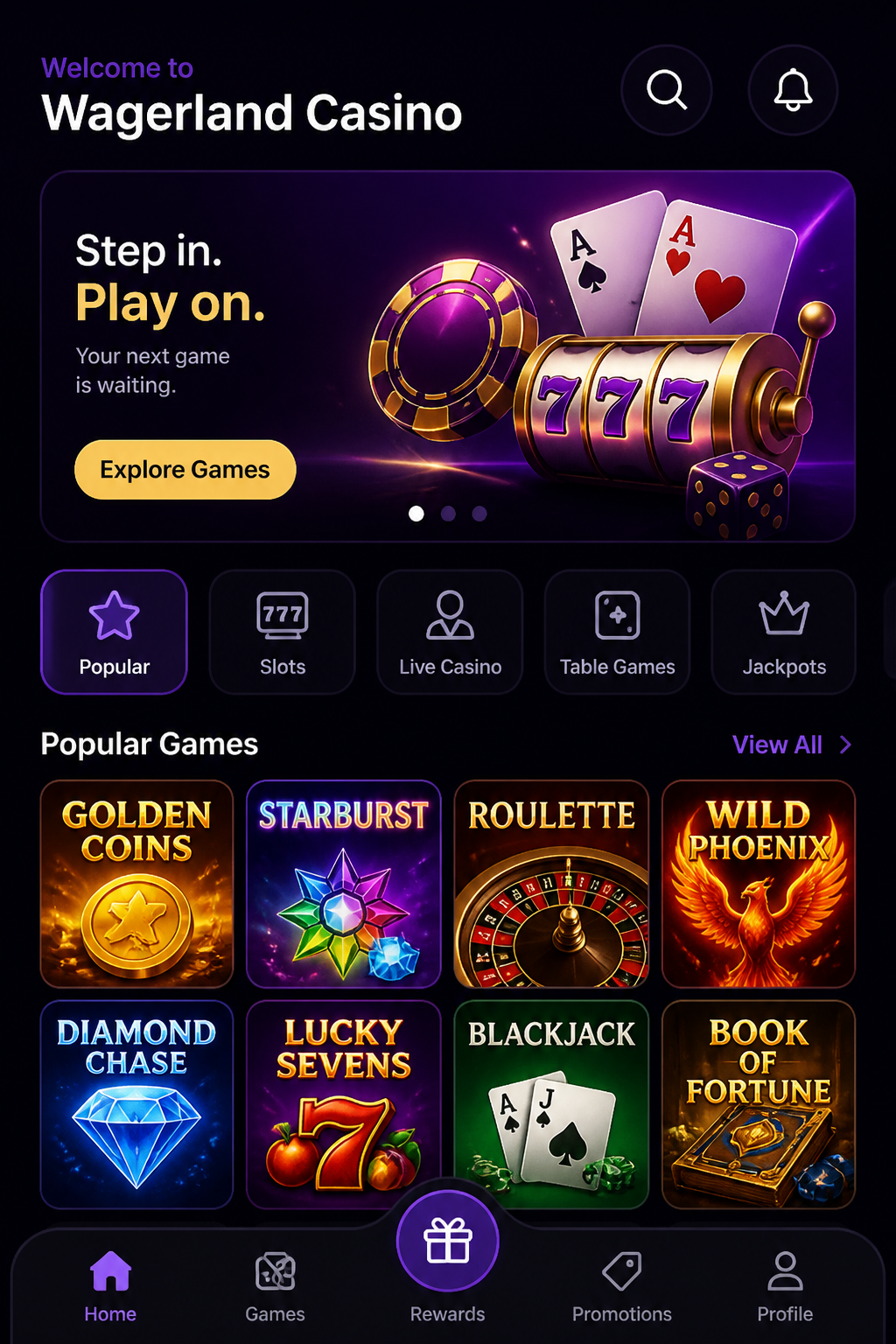
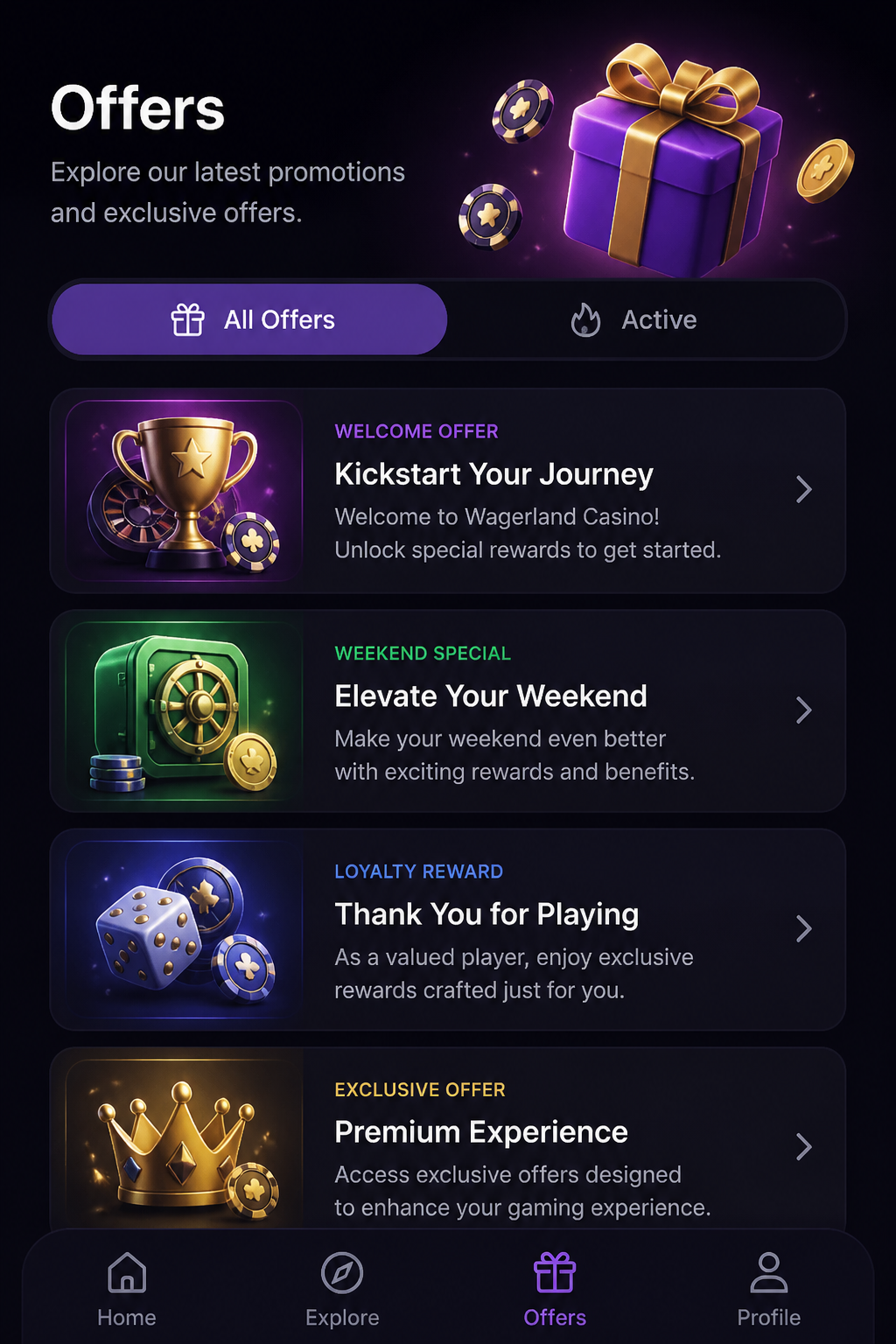
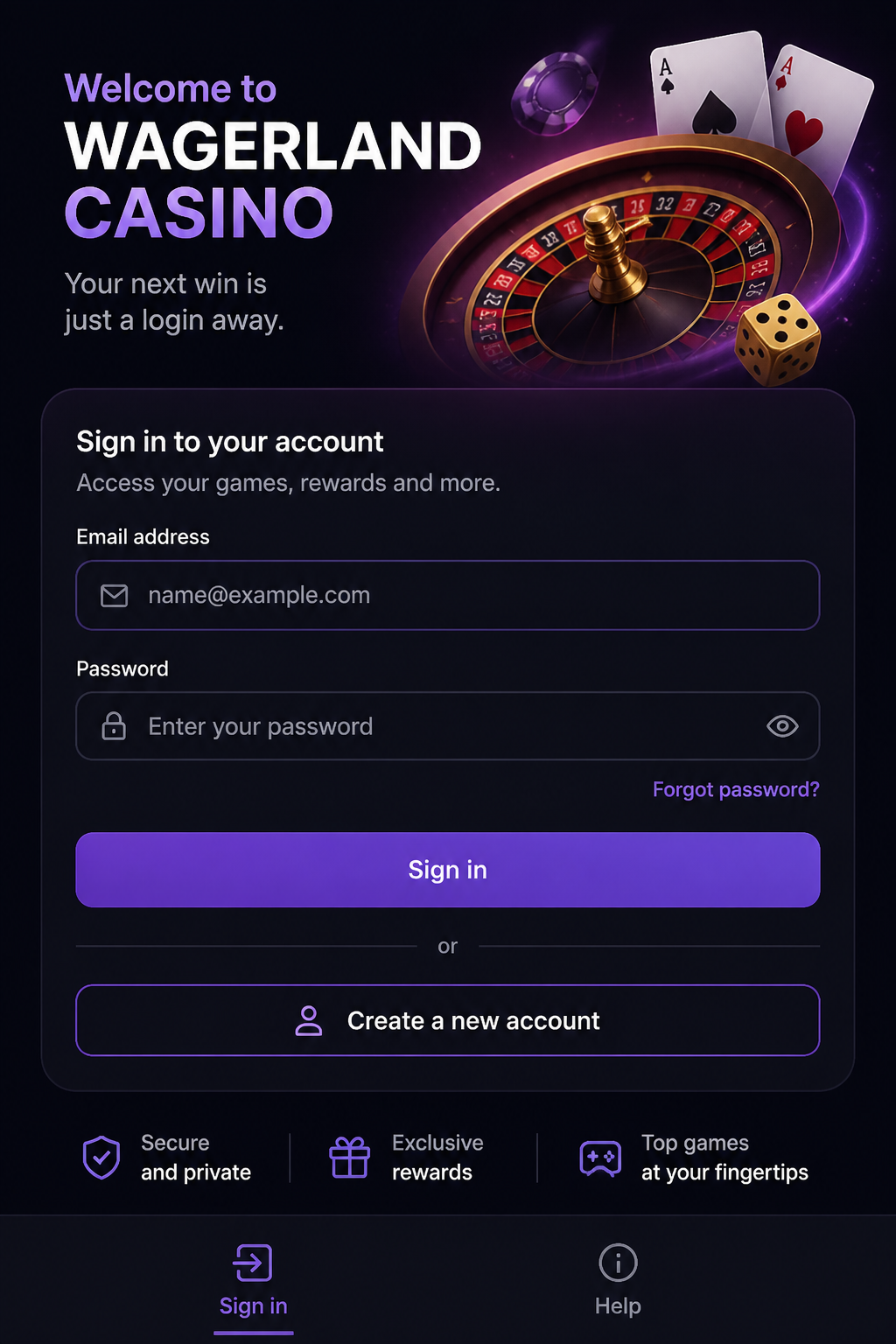
Looking at Wagerland Casino on a phone begins with the mobile website. A responsive browser experience can be convenient, but it is not the same as a separately verified Android or iPhone application. Important controls and information still need to work on smaller screens.
This guide focuses on how mobile navigation, device security, payment confirmation and game performance affect everyday use. It also explains which claims would require further checking before anyone should describe a feature as an official Wagerland app function.
| Mobile access | Responsive website through a browser |
| Native app | Not independently confirmed |
| Devices | iPhone and Android browser experience |
| Security | Unique login and protected phone |
| Games | Check controls and live-stream performance |
| Payments | Availability depends on account and region |
| Support | Keep time and details of technical issues |
Start with the mobile website

The practical way to approach Wagerland on a phone is through its mobile browser experience. An independent confirmation of an official downloadable iOS or Android app is not available, so a review should not promise an App Store listing or exclusive application features. A well-built mobile website can offer convenient access without any additional software.
Look at how pages render on your particular device and whether the cashier, game information and account menu remain readable. A website shortcut on the home screen can make access quicker, but it does not turn the underlying page into a verified native app.
Start by bookmarking the verified website address. This helps avoid confusing an ordinary browser shortcut with software that claims to be an official casino application.
Navigation on a narrow display
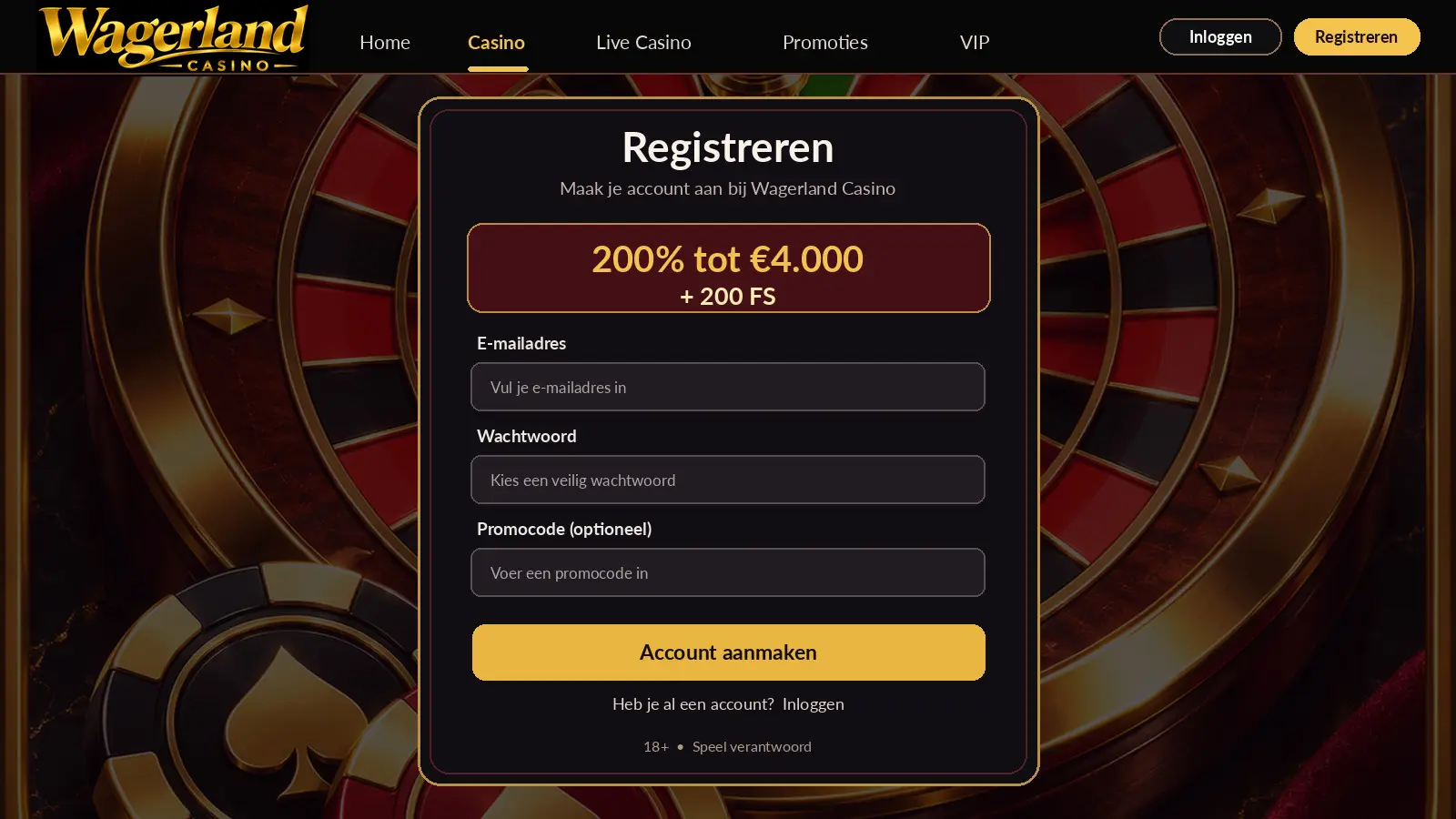
Mobile layouts have less room for text and controls. Desktop navigation often becomes a compact menu, which can hide important destinations such as promotion terms or support. Buttons can also shift as a page loads or when the on-screen keyboard appears. This affects more than appearance when financial actions are involved.
Test how many steps it takes to return from a game to account settings and help. Ensure important information is not trapped behind a poorly placed overlay. If the site makes it easy to deposit but difficult to read restrictions, that is worth considering before using it.
Different devices, different results
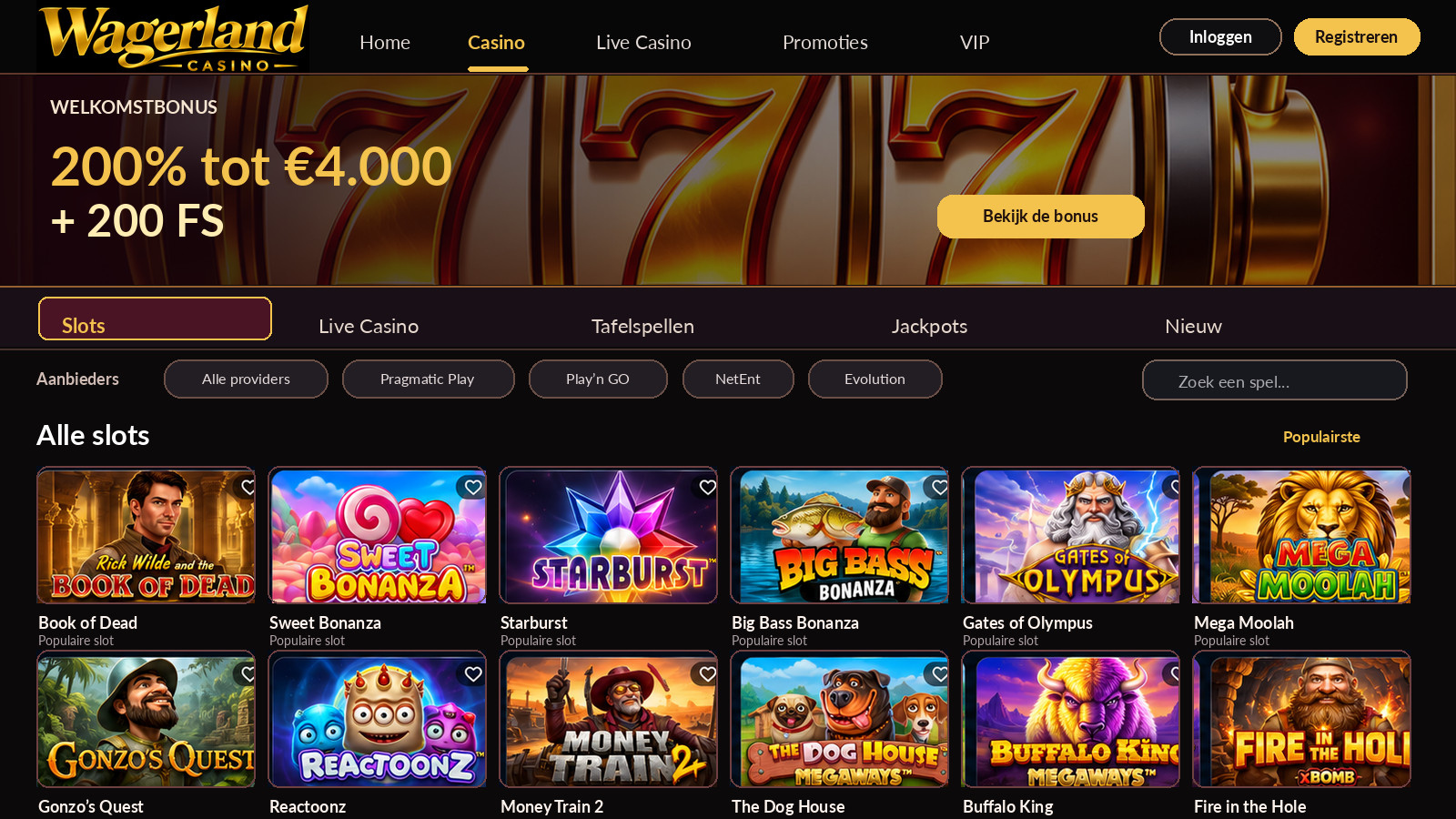
A site can behave differently on Safari, Chrome and other browsers because of screen sizes, security settings and how video content is handled. A single technical issue on one phone does not prove that all devices will be affected. Likewise, a good desktop experience does not guarantee smooth mobile performance.
Use an up-to-date browser and note the model and operating system if a problem occurs. Try a normal refresh before deleting stored data. If a failure repeats, report the exact page and what action produced it; that is more useful than saying the entire site is broken.
If a technical issue appears only on one browser, recording that detail allows support to reproduce it. Repeatedly switching accounts or devices rarely explains the original problem.
A shortcut is not an installation
Most modern phones let you save a website to the home screen. The resulting icon looks similar to an installed app, but the content still relies on the browser or web rendering system. It is important not to confuse this convenience feature with software distributed and verified through an official app store.
Be cautious about download prompts, especially files offered through messages or unfamiliar pages. Avoid installing unknown packages merely to gain access to a casino. A simple browser bookmark may be enough, and it does not require granting a new application broad permissions on your device.
Safer mobile login
Phones combine email, messaging, saved passwords and financial apps in one place. That makes them convenient but also attractive targets for phishing. Before entering credentials, check the exact website address and be wary of unexpected verification messages. A password manager can help, but only if the page receiving the credentials is legitimate.
Lock the device, use a unique password and sign out of shared phones. If additional account verification is available, learn how it works before you need to recover access. Never give an authentication code to a person claiming to be an employee through an unsolicited message.
Security also involves the phone itself. A recent operating system, protected screen lock and careful handling of notifications can reduce exposure to avoidable account risks.
Playing on small screens
A slot's information panel may be clear on a laptop but hidden behind a small icon on a phone. Live tables add further challenges because streaming video competes for limited display space. Stake controls and confirmation buttons should remain distinguishable so an accidental touch does not change a decision.
Open the rules before starting and find out how the stake can be adjusted. Switch orientation when a game supports it. If an interface becomes unresponsive, stop tapping rather than repeatedly submitting commands; otherwise it may be difficult to know which action was eventually processed.
Connectivity and data usage
Live video, animated games and account pages use different amounts of data. An unstable connection can delay balance updates and transaction confirmations. A brief interruption does not necessarily mean a payment or wager failed, because background processing may continue after the screen stops updating.
Check transaction history and the current balance before retrying a payment. Prefer trusted connections when handling account information. If something remains unclear, capture the time and relevant reference details so support can investigate without creating duplicate transactions.
High-quality streaming may consume significantly more mobile data than account pages. Monitoring the device’s own data usage helps avoid surprise charges or interrupted sessions.
Payments while using a phone
Cards, bank transfers and electronic wallets are common international payment categories, but Wagerland's available cashier methods must be checked for the individual account and country. The options presented on one device or in one location may not match what another user sees.
Review currency, fees, processing information and the identity of the payment provider before confirming. When an external payment app opens, make sure the amount and destination still match the intended transaction. After returning to the browser, wait for the account balance to update before assuming another payment is necessary.
Notifications and attention
A phone constantly competes for attention with work, social media and messages. Gambling-related promotions can add another layer of pressure by encouraging immediate action. That makes a clear time boundary important even when the mobile interface feels effortless.
Consider switching off optional promotional notifications and using a timer outside the casino. A message about free spins or an expiring offer does not create an obligation to play. Taking a break is a valid response when an alert arrives at an inconvenient moment.
Separating promotional notifications from essential security messages can make a phone quieter without hiding important account warnings. Review what each type of notification actually does.
Accessibility is part of quality
Mobile pages should remain usable for people who enlarge text, use high contrast or rely on screen-reading tools. Financial terms and account buttons that cannot be read easily are not merely cosmetic shortcomings. They can lead to mistakes when a player is trying to understand fees or conditions.
Check whether important information is available as selectable text rather than only embedded in graphics. If you cannot read the terms comfortably, avoid acting on a partial view. A smooth animation is less valuable than clear controls and understandable instructions.
Handling a frozen page
A frozen display is not proof that a payment, bet or withdrawal was cancelled. The underlying transaction may have been accepted while the confirmation was delayed. Closing and repeating the action without checking can create confusion and duplicate requests.
Review the balance and history if those sections are available. Record the time, page and any confirmation number. Contact support with a single clear description and avoid sending sensitive login details. Working from a reliable transaction record is safer than trying the same command several times.
A payment provider and the casino may record an event at different times. Comparing those records calmly is better than making a duplicate payment while a screen appears frozen.
Test mobile usability without depositing
A quick practical review can reveal a great deal. Open the main menu, locate the rules for a game, visit the account-security section and find the support contact route. Increase the text size to see whether important information remains usable. Notice whether promotional overlays cover essential buttons or force unnecessary navigation. If a basic task is difficult, there is no need to create a financial problem in order to confirm that the interface is frustrating. Usability should help players slow down and understand their choices, not simply push them towards the next transaction.